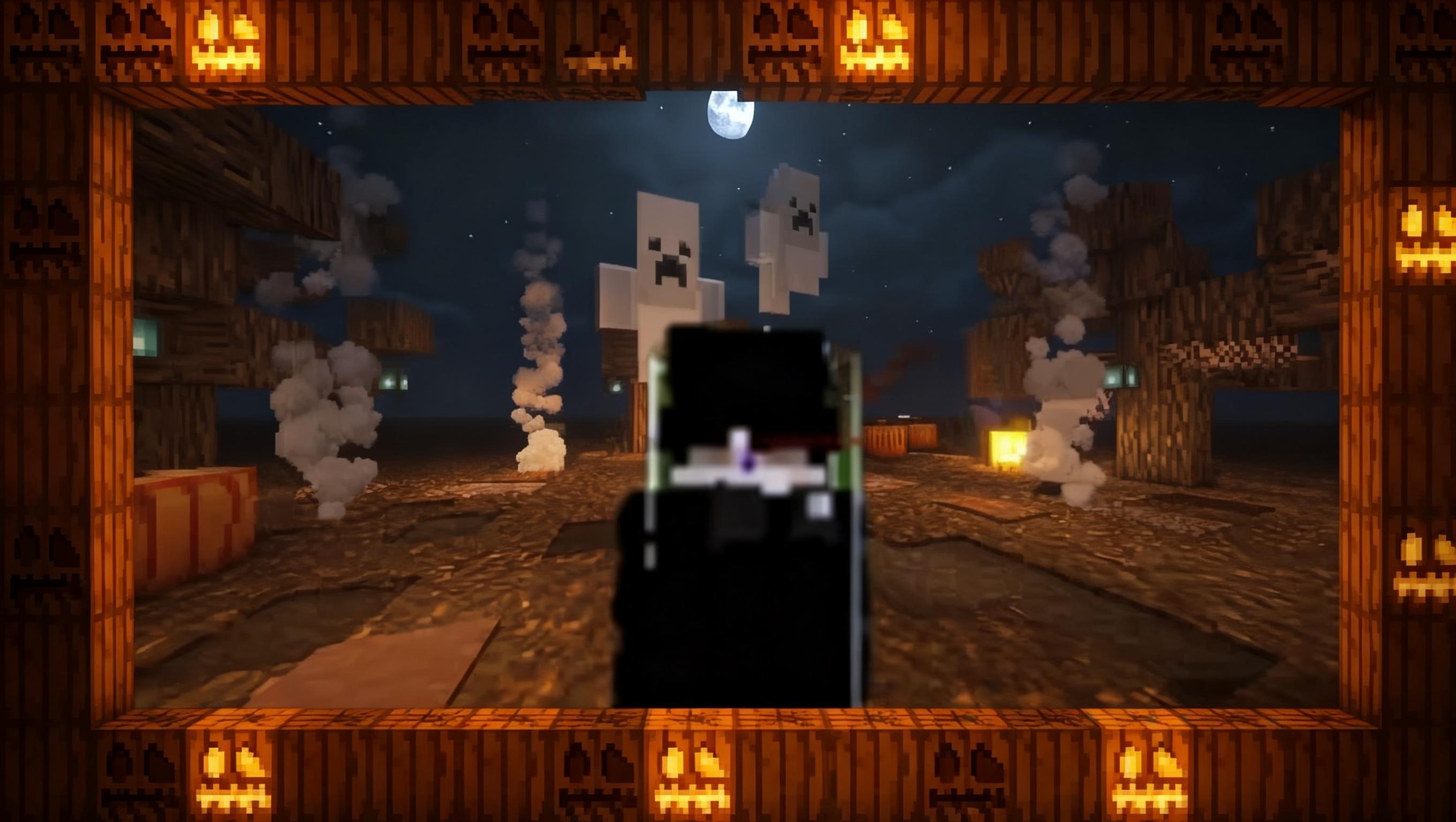
Nitro 8x Bedrock

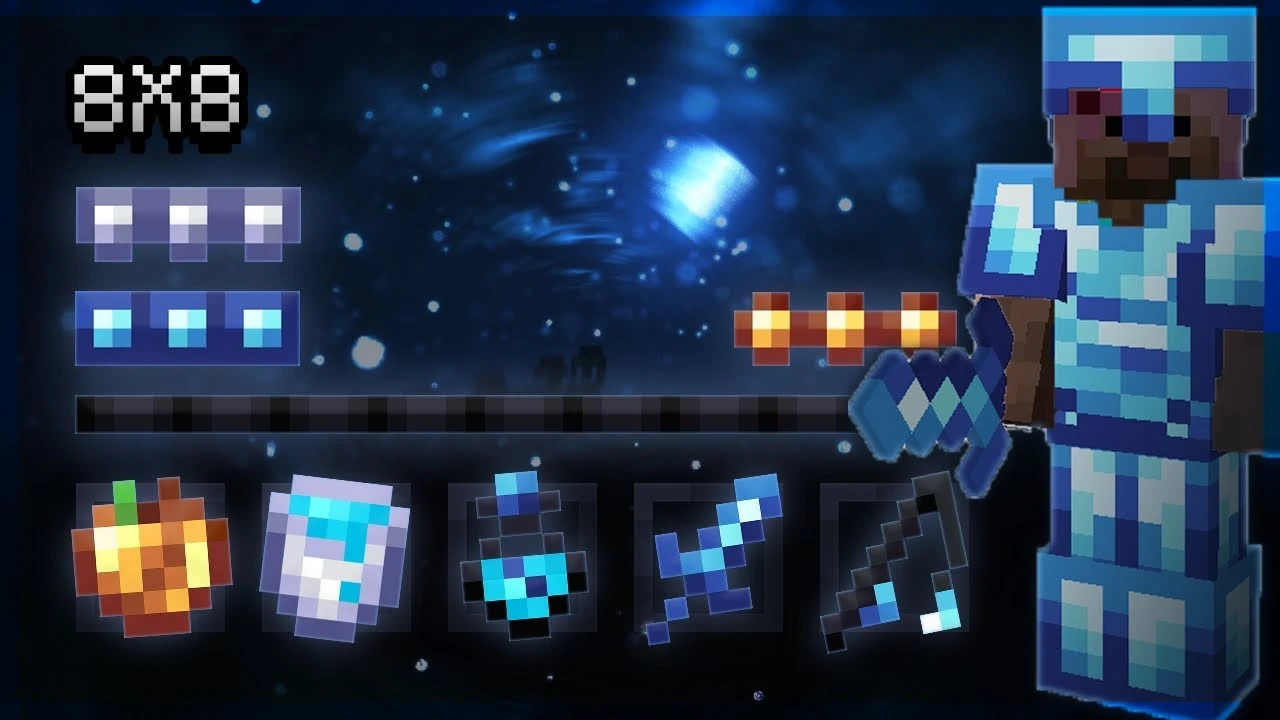
Pack Description
CARACTERÍSTICAS DE LA VERSIÓN JAVA
Cristal transparente (+CTM)
Fuego bajo
Agua clara y visión submarina
Superposición gamma
Bordes de mineral
Mejor lluvia/nieve
Visión clara de calabaza
Cielo personalizado de baja resolución
Pedernal y acero animados 8x8
FPS Boost++ (RTX) sin lag
Adaptation of Xoop 20k pack!
Youtube > Fryne
Twitter > @FrynePacks
Community Comments0
Join the community conversation
Log in to comment and ask questions.
No comments yet
Share your thoughts with the community!
1-Click Direct Download
No ads or annoying link shorteners
How to install Nitro 8x Bedrock in Minecraft Bedrock
- 1. Direct Download
Click the download button to get the .mcpack file directly with zero link shorteners.
- 2. 1-Click Import
Open the downloaded .mcpack file; Minecraft Bedrock will launch and import the pack automatically.
- 3. In-Game Activation
Go to Settings > Global Resources, select the pack under "My Packs", and click Activate.