Platform Changelog

EN · Bilingual

Official updates, new features and improvements published in McPack.

Nov 20, 2026, 10:41 PM

McPack is now much faster + New Guides, Top Best and Kit for Creators

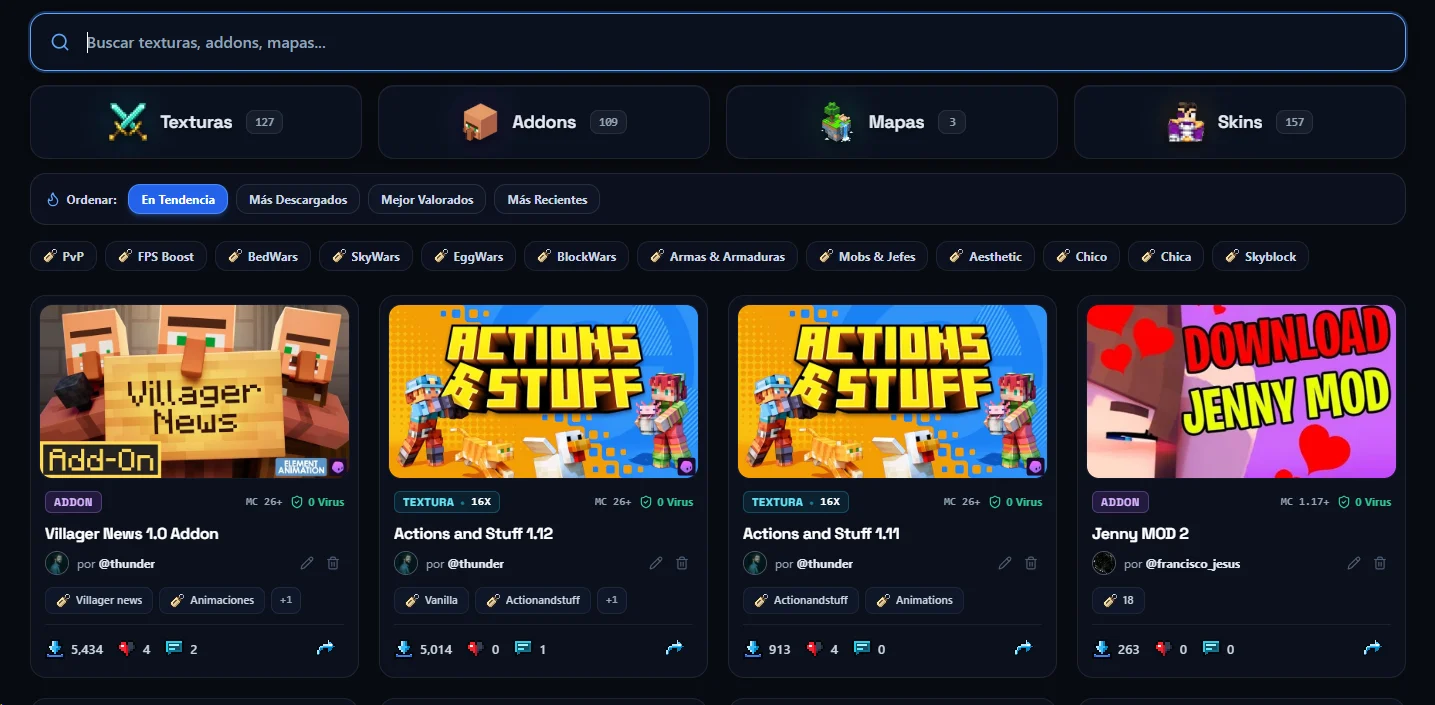
⚡ Ultra-fast charging on cell phone and PC: We optimize all the covers and pages of the web. The images now weigh up to a 70% less without losing quality and the chips of packs, categories and tools open almost at instantly, consuming less data mobiles.

🏆 New "Top Best" section (https://www.mcpack.cc/best): A ranking updated automatically at time real with the packs of textures, addons, maps and skins most downloaded and best rated by the community.

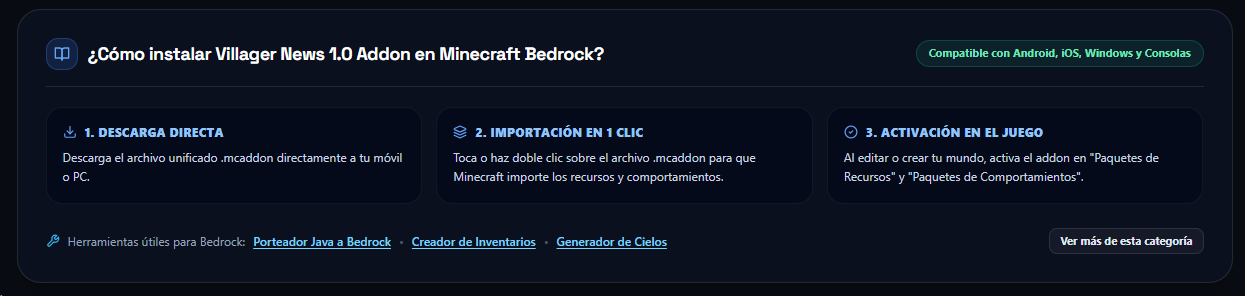
📖 Official Guides Center (https://www.mcpack.cc/guides): We added tutorials step a step to learn a install files .mcpack, .mcaddon y .mcworld en Android, iOS and Windows, convert textures from Java a Bedrock, upload your FPS in PvP and take him out the maximum profit to our free tools.

🎬 New Sharing Kit for YouTube and Discord: In each pack you will find a button new for copy to 1 click templates lists for your descriptions of YouTube, TikTok, servers of Discord or blogs, with direct link and without shorteners.

🖼️ Best previews when sharing: To send a link of McPack by Discord, WhatsApp or social networks, now an official card with the cover of the pack, your resolution, version of Minecraft and stamp of direct download.

🌍 Full experience in Spanish and English (/en): We improved navigation bilingual on the entire the platform for our international community.

Thank you for being part of McPack.cc! We continue improving every week for offer you downloads direct, fast y 100% free of shorteners. More to come.
Nov 16, 2026, 11:46 PM

Bug Fixed

Fixed an error that prevented content from being uploaded.

Nov 15, 2026, 08:45 PM

New links in your profile, bug fixes and new beta tools

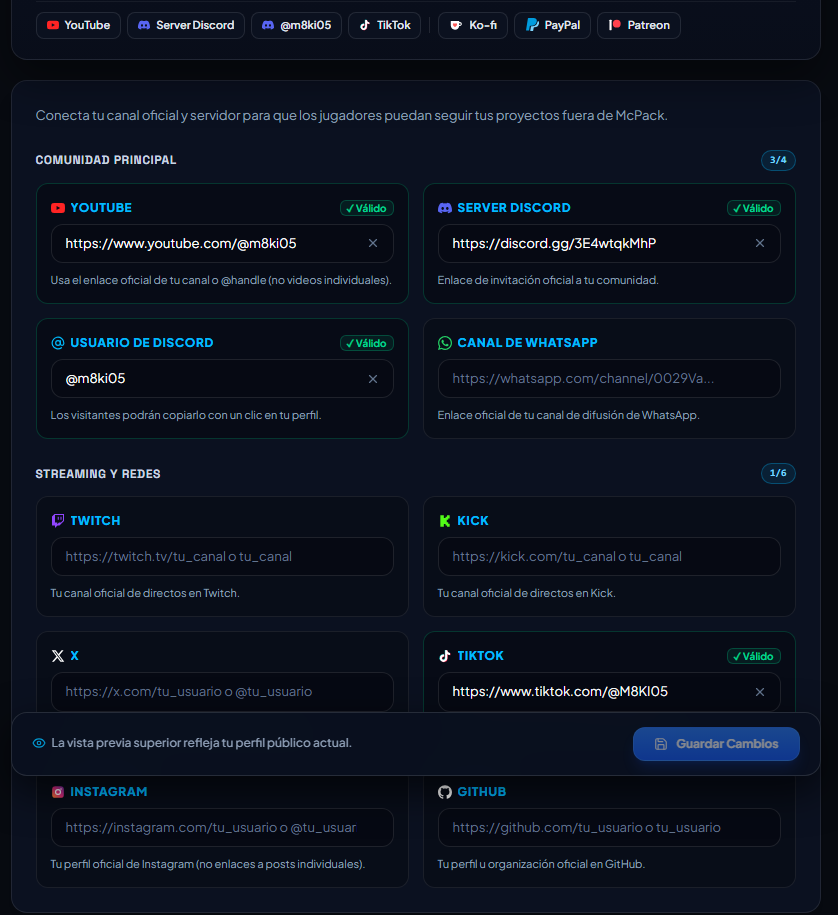
New configurable links in your profile.
Captura de descripción
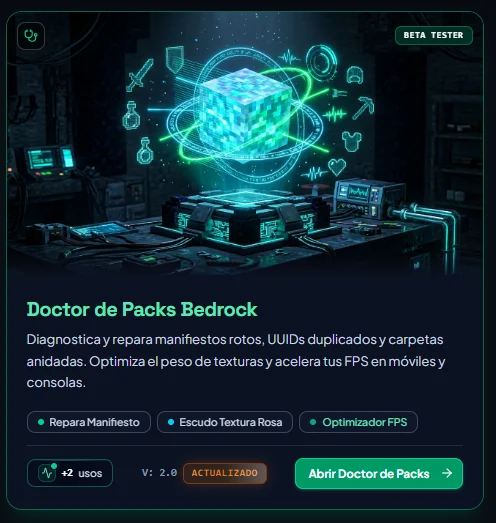
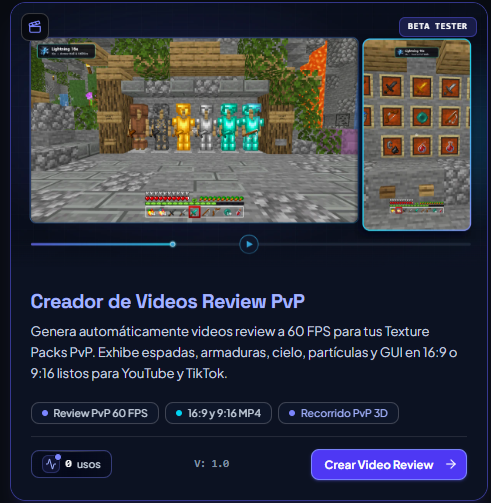
New Beta Tools: Captura de descripciónCaptura de descripción
will be available to the public with the rework of all tools.

66 corrections were also made.
Nov 09, 2026, 06:02 PM

Big Update

Faster navigation, smoother animations and improved user experience:

  • Instant opening of Packs and Skins: Covers and 3D viewers now begin to prepare as soon as you bring the cursor close to a card, ensuring that when you click the pages open instantly and without waiting times.
  • Smoother visual transitions: To enter to see the details of any pack from the catalogue, the image and the title now slide slide with a animation continuous and natural.
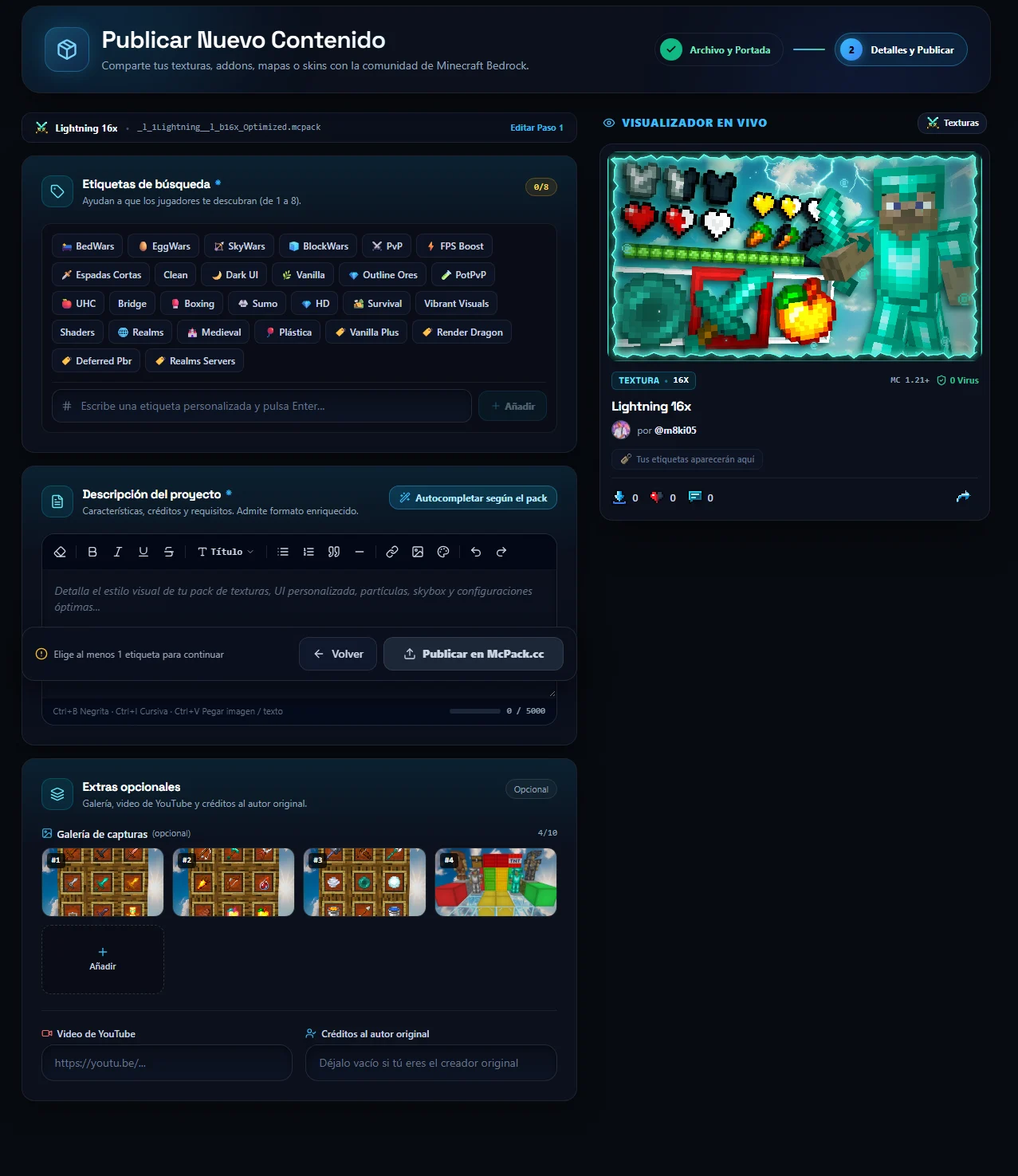
  • More convenient publication for Creators: To up o edit a pack in the study of publication, now you can change between the Step 1 y the Step 2 of form immediate without recharging id="130"/>the view previous nor is lose what that you were doing.
  • Buttons and instant reactions: Follow a your creators favorites, save packs in favorites or react to the news now reply on on same instant in what you do click.
  • Greater general fluidity: We optimized the performance of the entire website and tools so that scrolling through the catalog, search filters and 3D viewers work more smoothly on PC and mobile phones.
  • All McPack components have been updated, expect new interfaces, animations and improvements in general in the coming weeks.

  • Nov 09, 2026, 02:58 AM

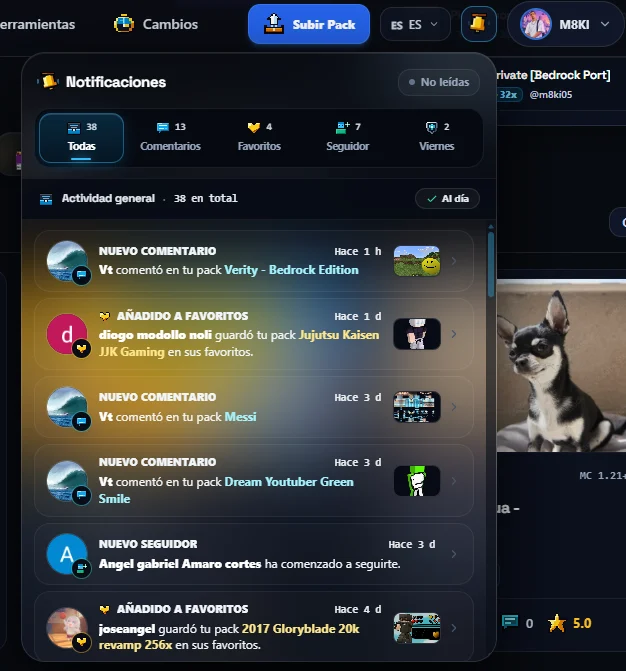
    Redesign of Notifications

    Notifications are now easier to read, and are divided into categories.
    Captura de descripción
    Nov 07, 2026, 07:30 PM

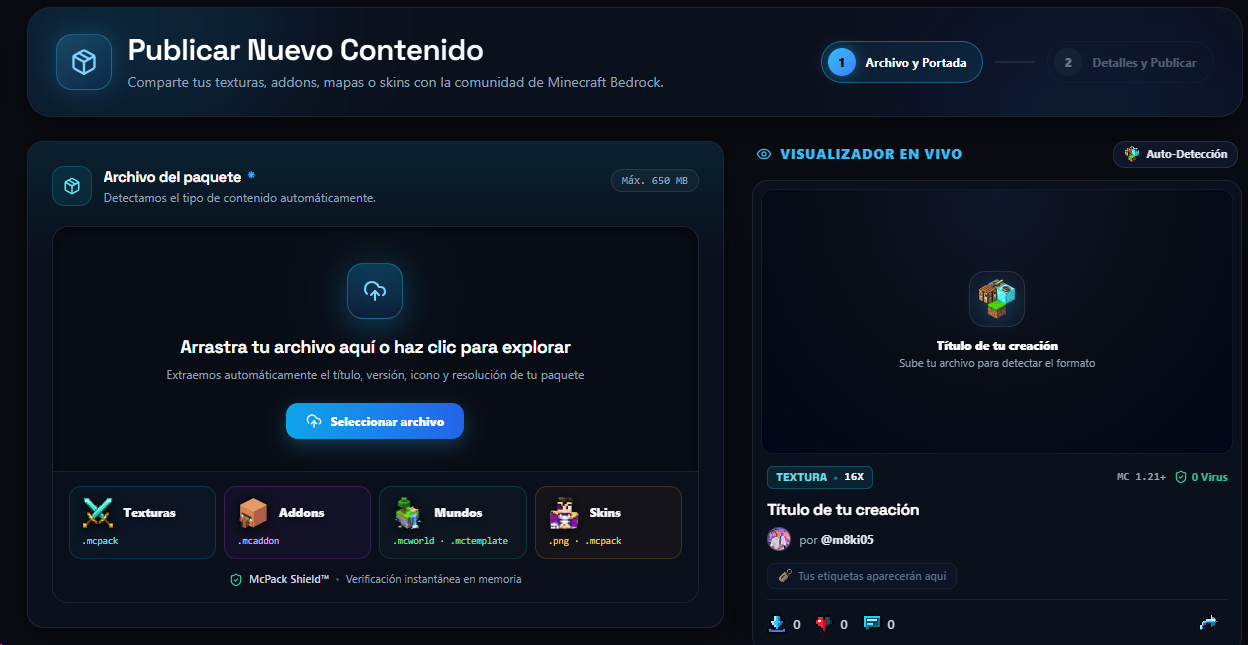
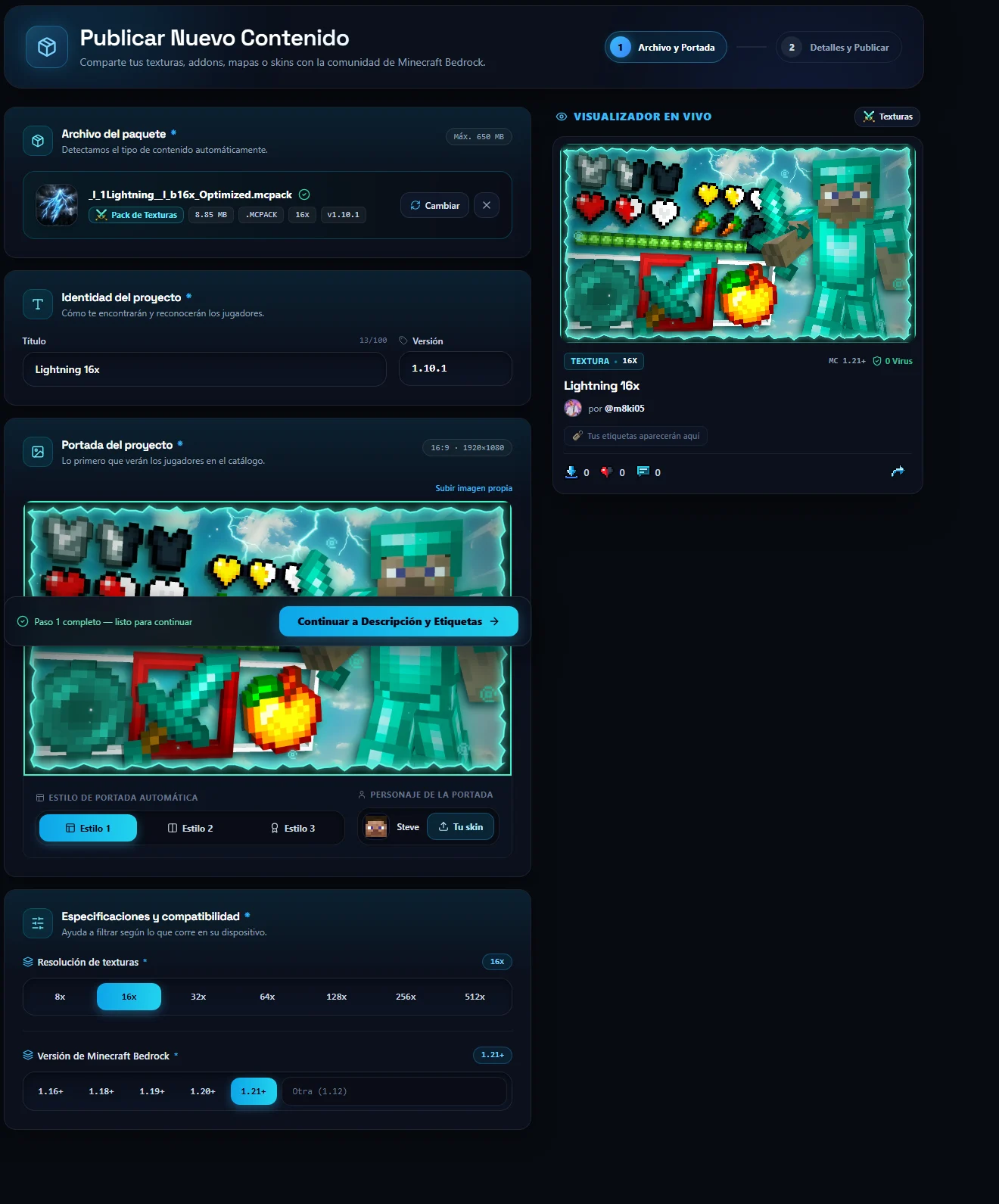
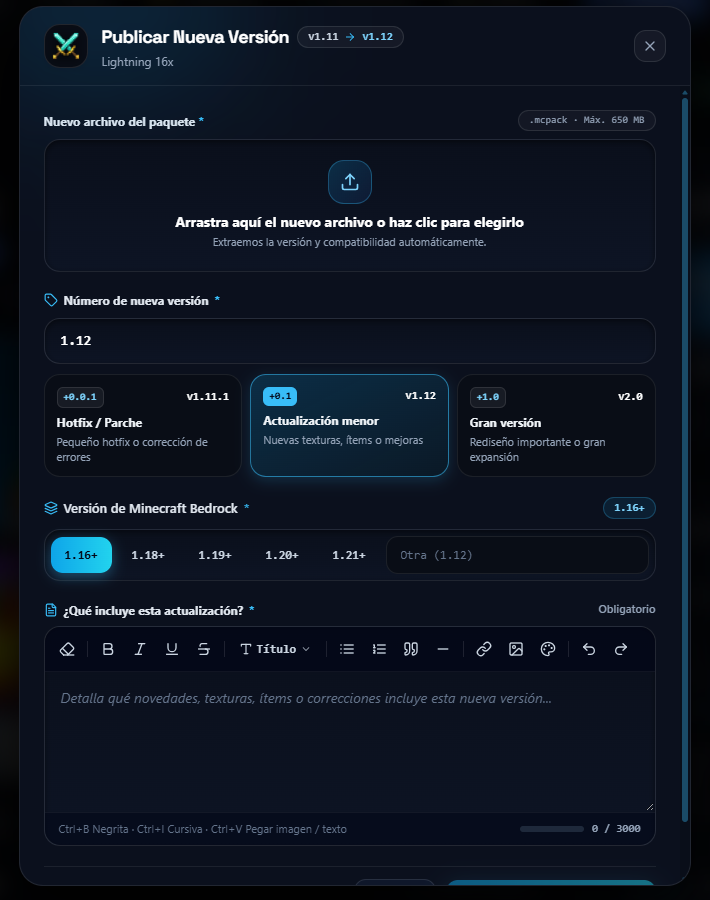
    New Interface when Uploading Content, Updating and Editing

    Upload Content: 
    Captura de descripciónCaptura de descripciónCaptura de descripciónEdit A Pack takes you to the same Interface to upload content with everything you had: 
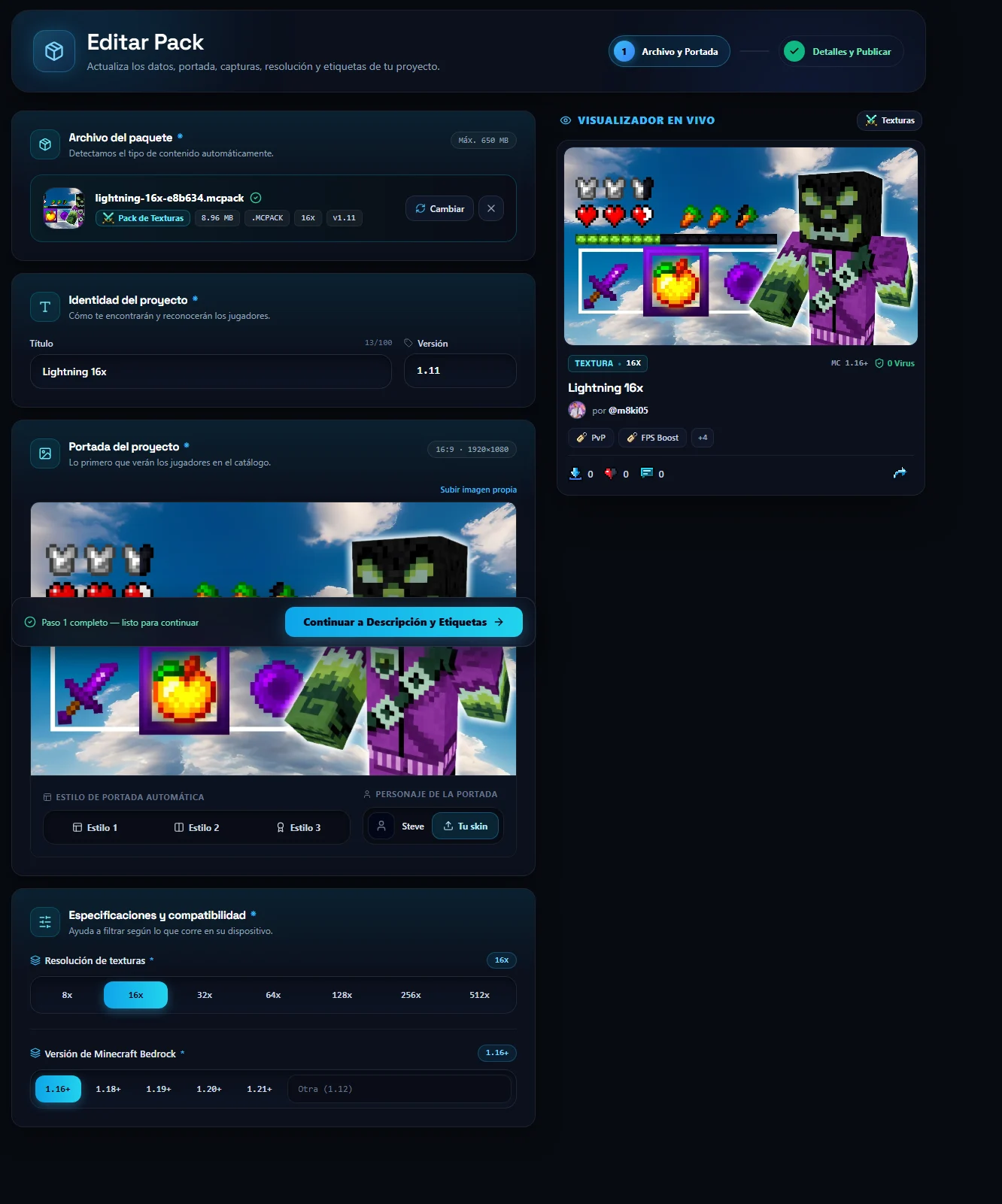
    Captura de descripciónUpdate: Captura de descripción
    Nov 04, 2026, 01:46 AM

    Support for Creators

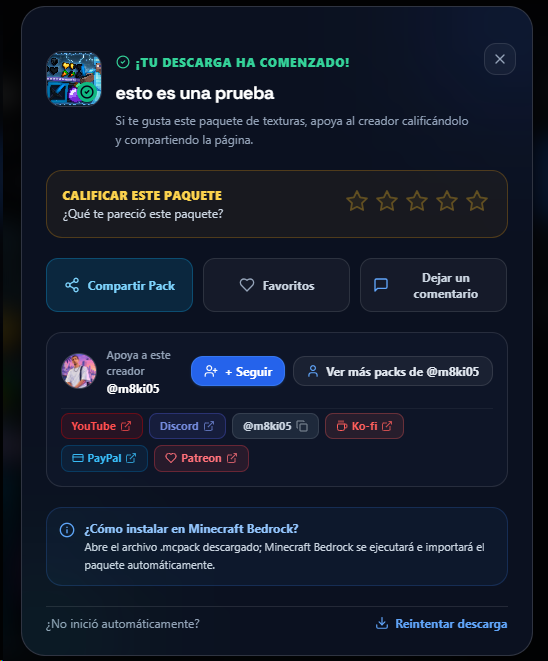
    A small window was added when downloading a pack, skin, addon or map, with options such as rate your content, share your content, add to favorites and leave a quick comment, option to follow, see more packs, and most importantly, Your Social and Donation links. Captura de descripción

    At the same time, a deduplication system was implemented: Now downloads made by the person who made the publication will not count in the downloads and downloads made by other people will count once every 24 hours, to ensure that the statistics are transparent, and prepare for the ranking update.


    Nov 03, 2026, 01:19 AM

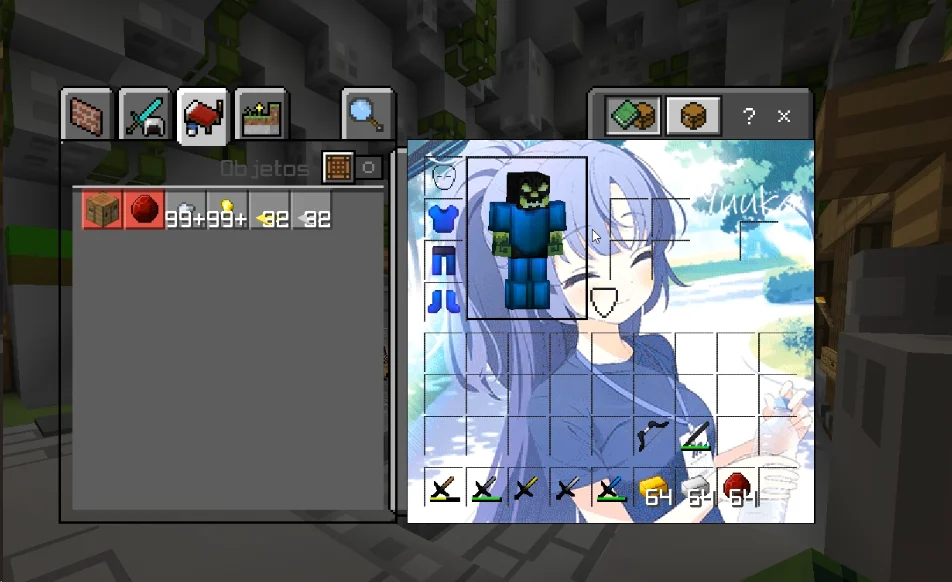
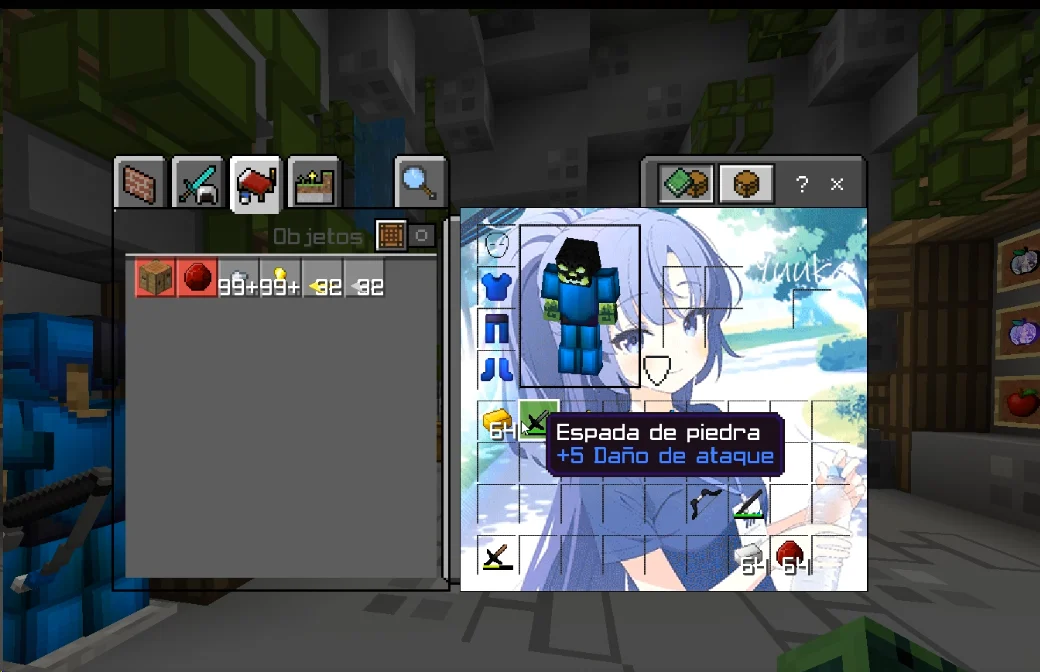
    Inventory Creator

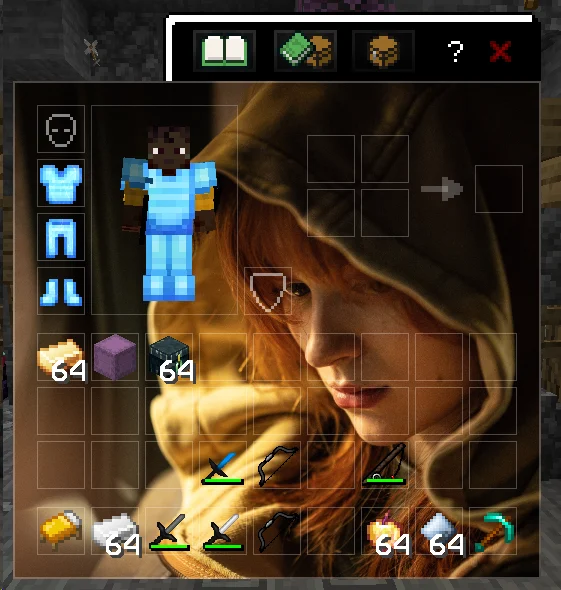
    A new tool has arrived, It is the Inventory Creator   It allows you to add an image or gif to view it within the minecraft bedrock menus Examples below:

    Link: Custom and Animated Inventory Creator (Minecraft Bedrock) | McPack
    Captura de descripciónAlso supports gifs and you can select the fps at which it plays.
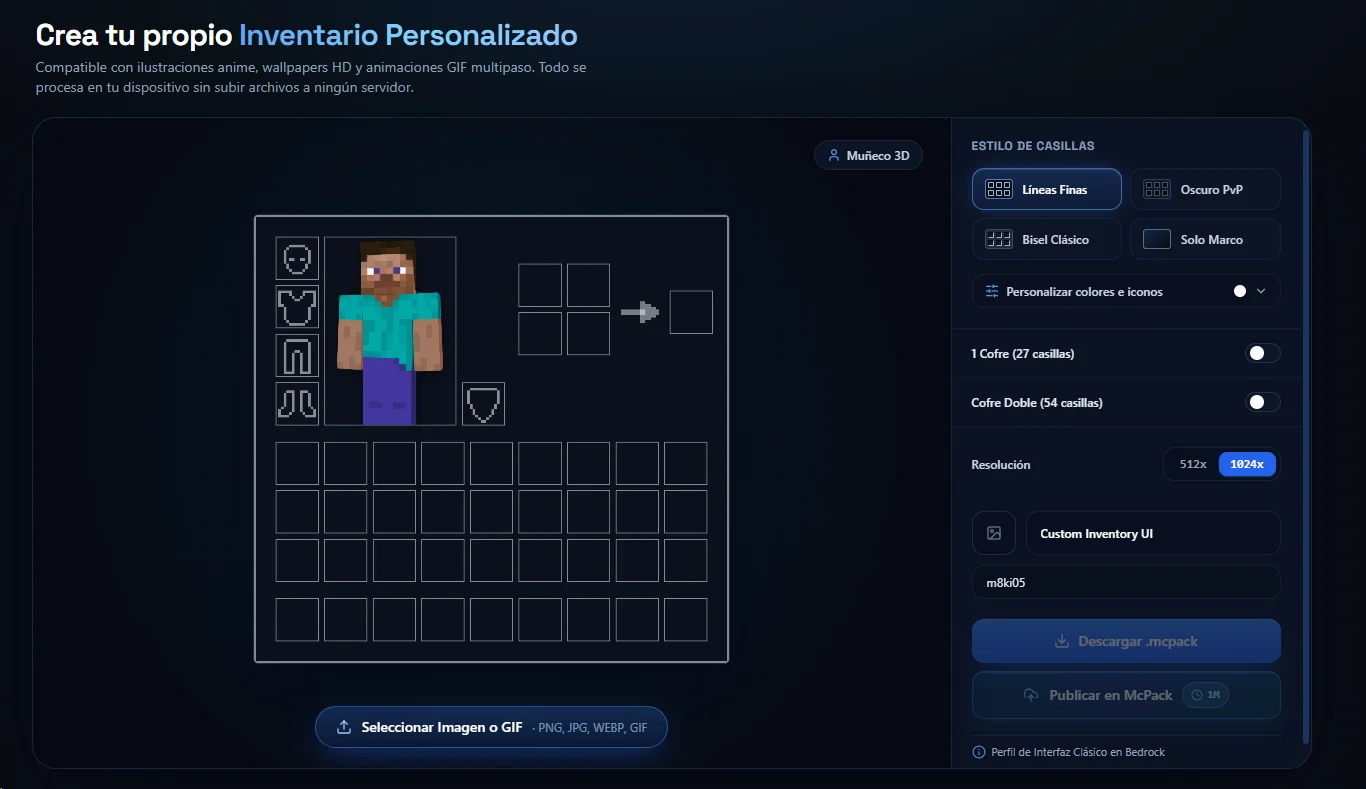
    Tool interface:
    Captura de descripciónNew tools coming soon.

    New: Now you can use the tools without logging in to test them, when downloading or publishing them, you will need to log in.

    Nov 01, 2026, 12:12 AM

    Java to bedrock Converter Version 1.2

    Now it is able to convert the interfaces of the menus and chests to bedrock, try it!!

    Java Pack Carrier to Bedrock (.mcpack) | McPack.cc

    --You must be registered to access--

    Any errors reported by our Discord server

    Captura de descripciónCaptura de descripción
    Oct 25, 2026, 02:49 PM

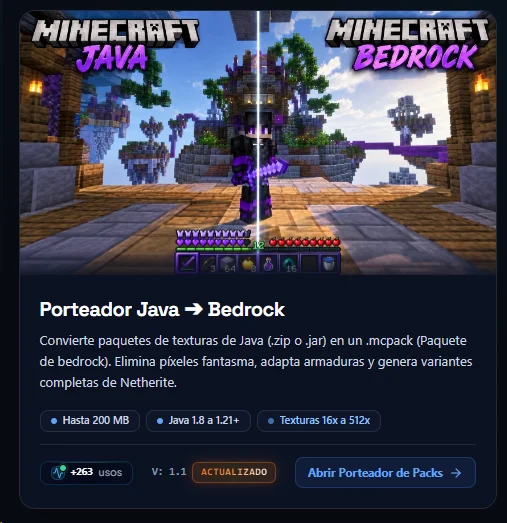
    Java Carrier ➔ Bedrock 1.1

    The Java to Bedrock Porter has been Updated if your pack previously had errors or was missing something, convert it again. Now it does an improved analysis, being able to better detect hotbars, heart icons, UIs, among other things, it is also capable of converting 3DS beds. 

    Try it now: https://www.mcpack.cc/tools/pack-converter 

    -- You need to be registered to use it--
    Captura de descripción
    Captura de descripción
    Oct 25, 2026, 02:44 PM

    Publish Texture Packs Very Fast

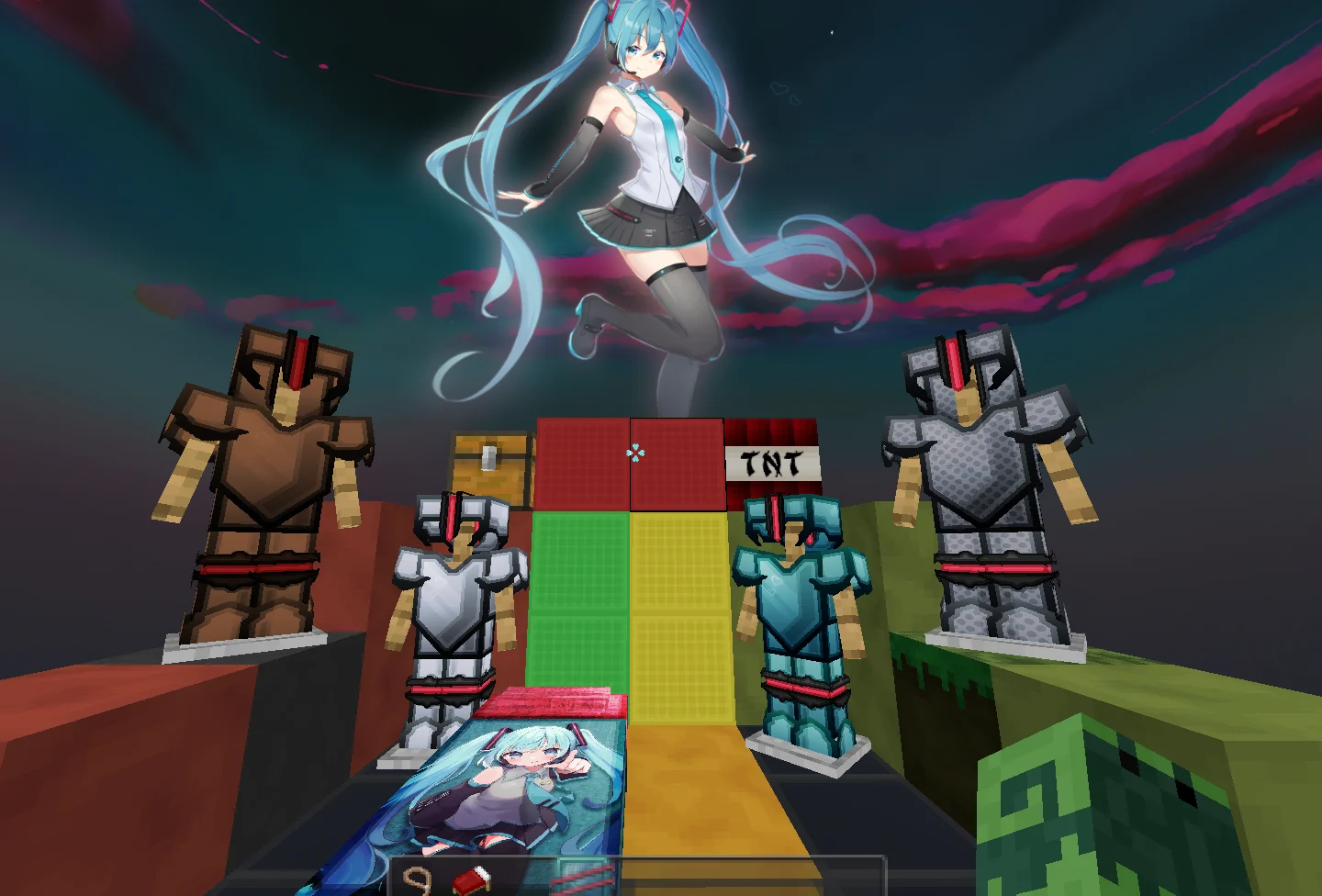
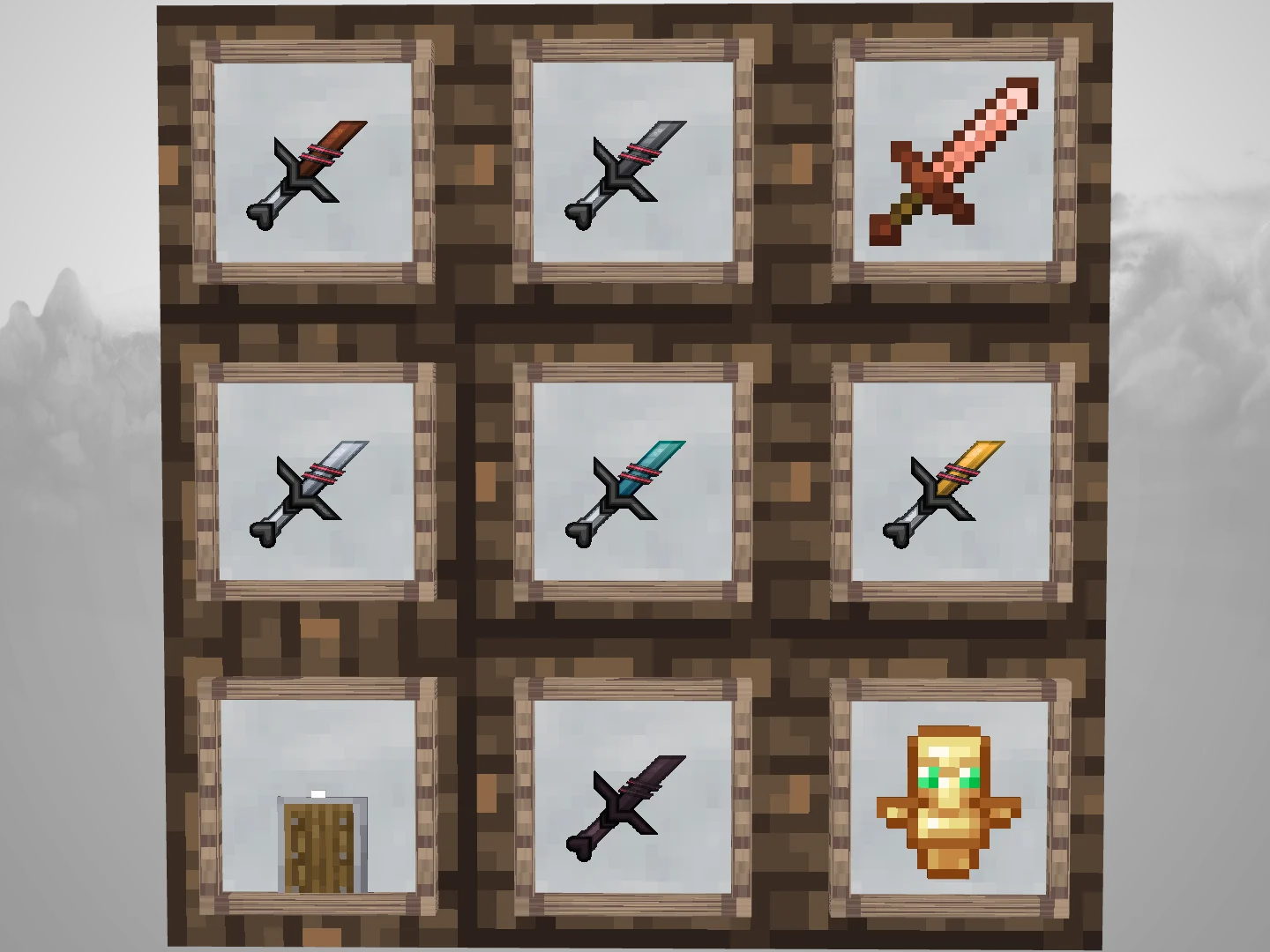
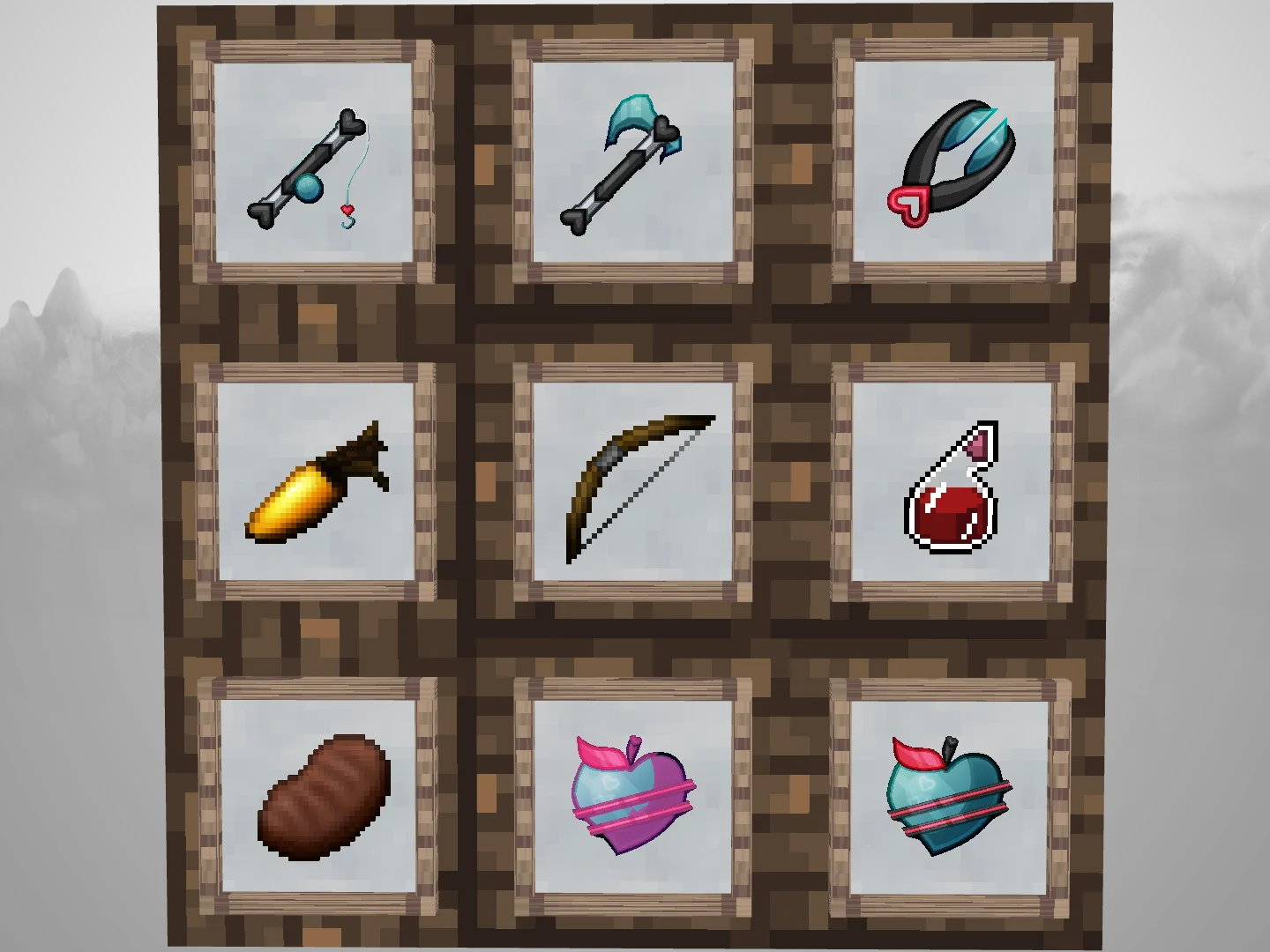
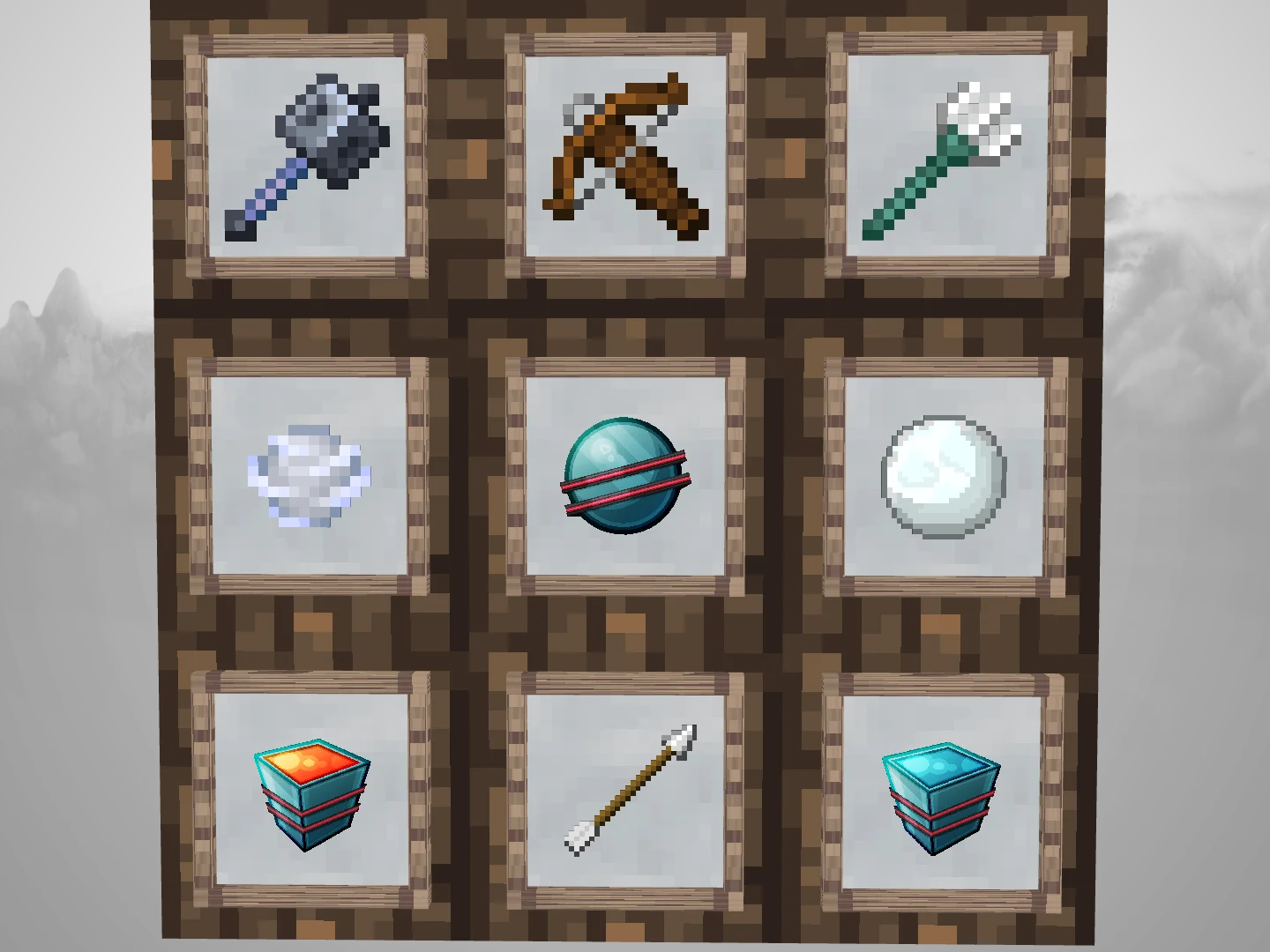
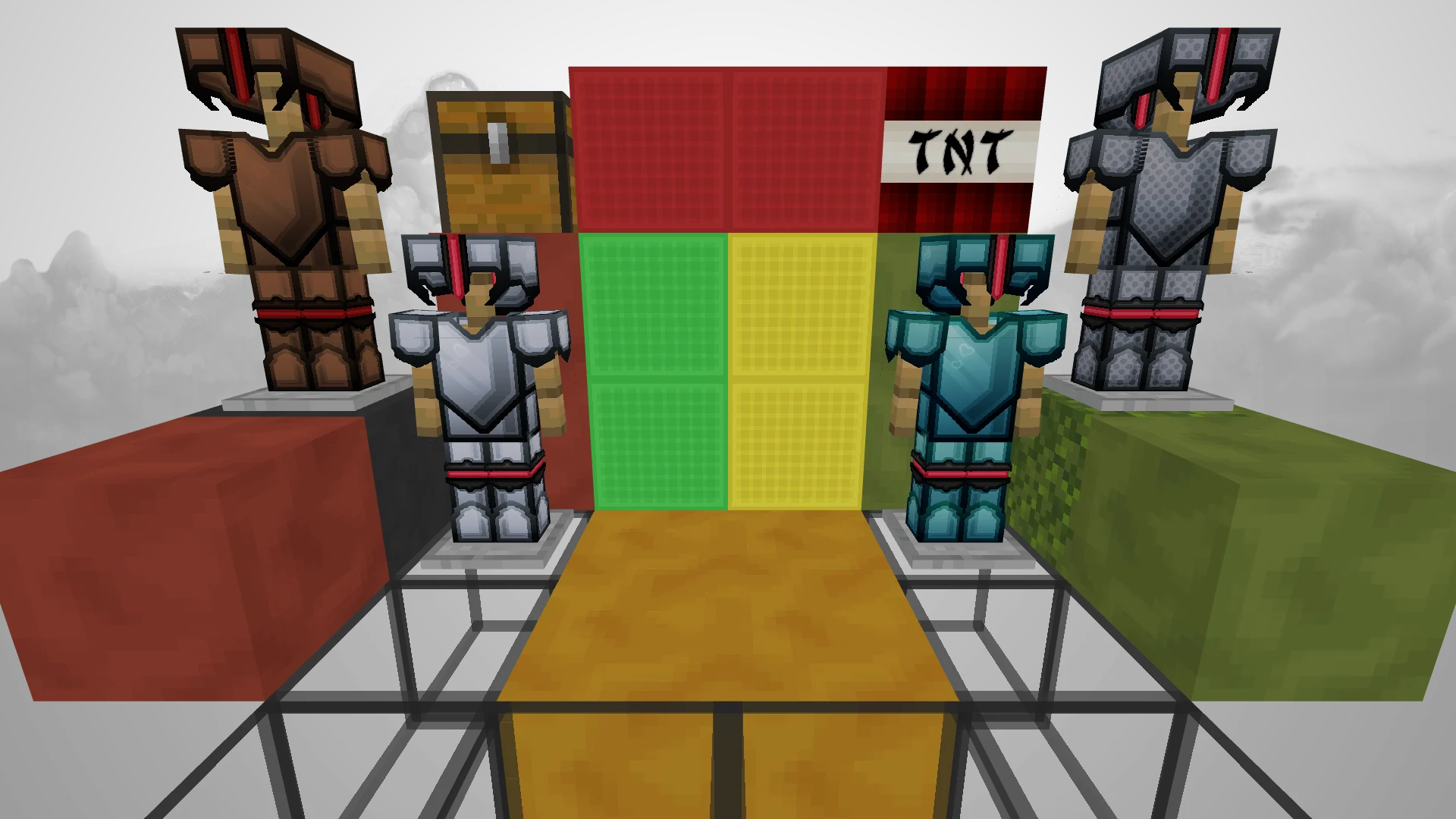
    Uploading Texture Packs has just become exaggeratedly easy, just drag the pack and fill in some fields, when you get to step 4 you will see a cover image and several images showing the pvp items, armor and blocks, all Automatically Generated as a result you can upload a texture in less than 1 minute.

    If you don't want any generated image you can always delete it and upload the yours.

    --You must be registered to publish--

    Captura de descripciónCaptura de descripciónCaptura de descripciónCaptura de descripciónEverything Automatically Generated without the need for you to take screenshots or enter Minecraft
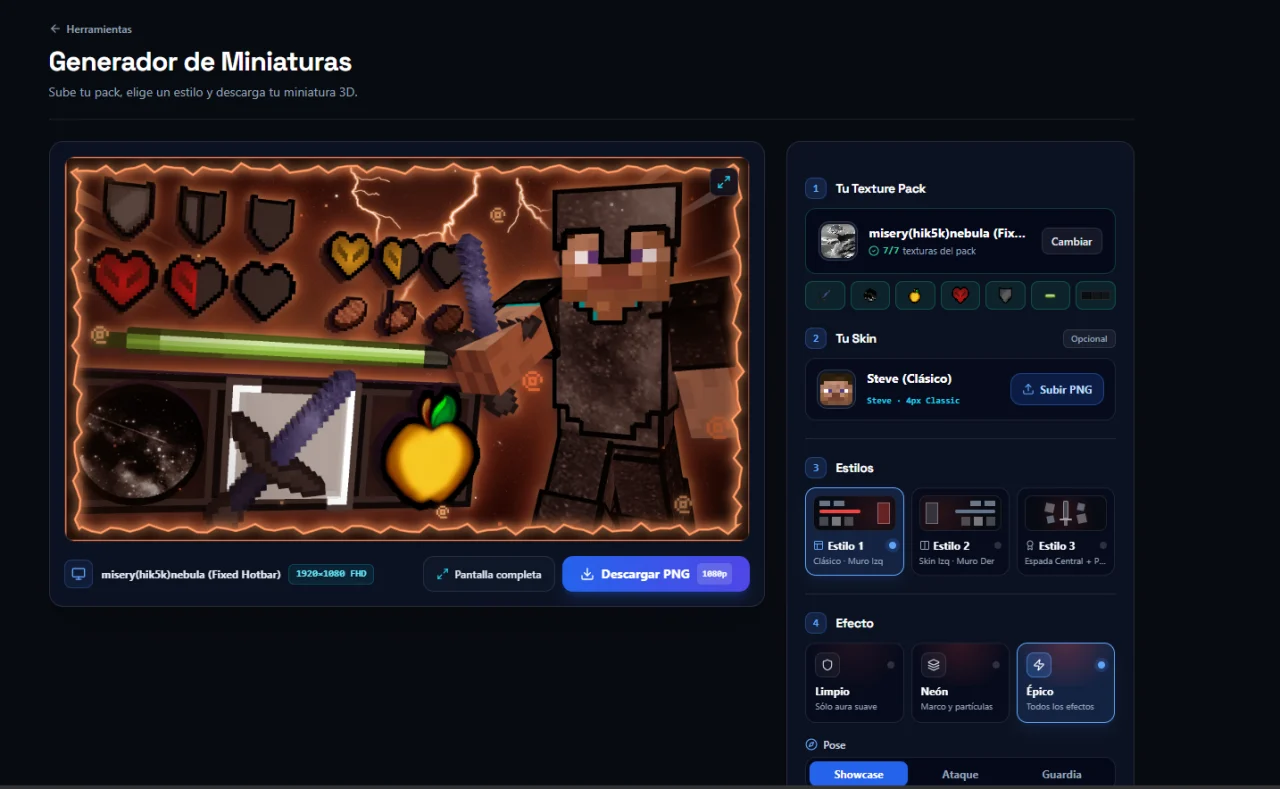
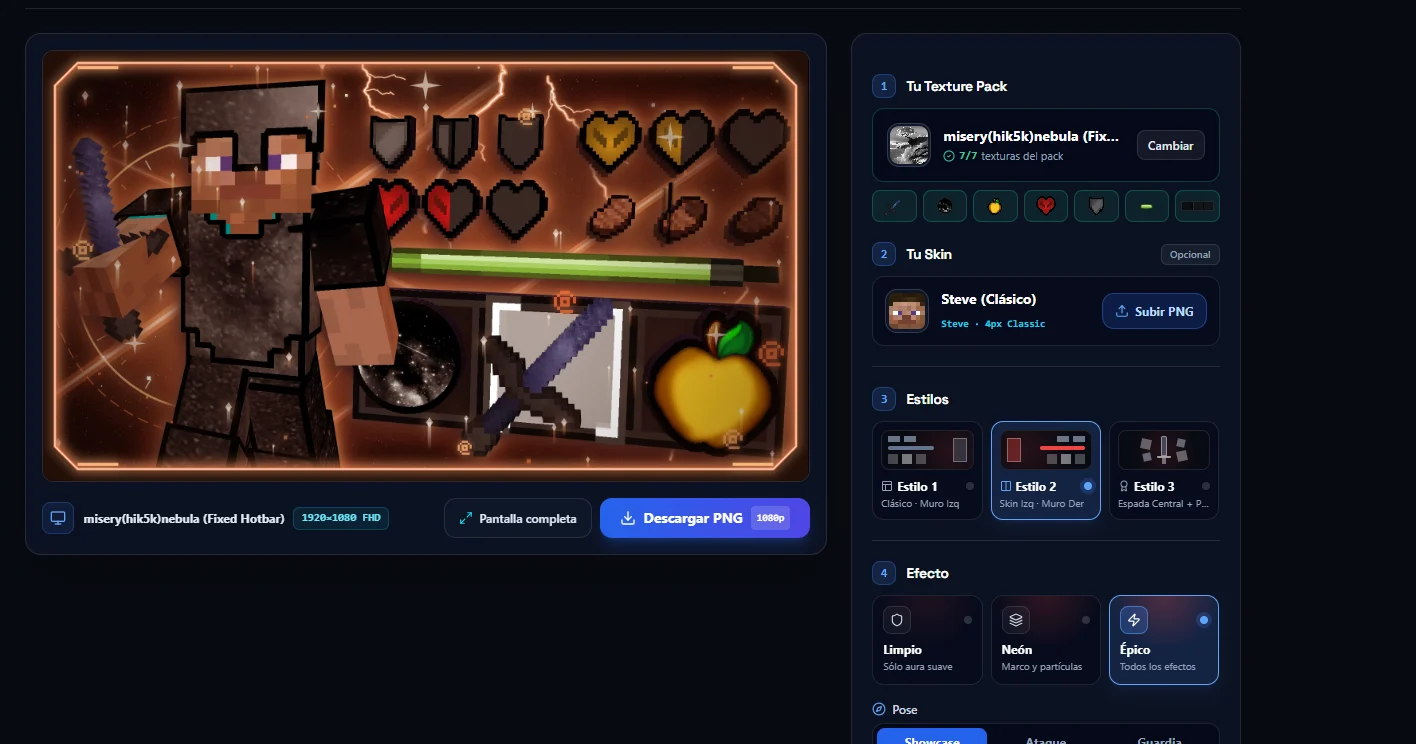
    Oct 25, 2026, 02:38 PM

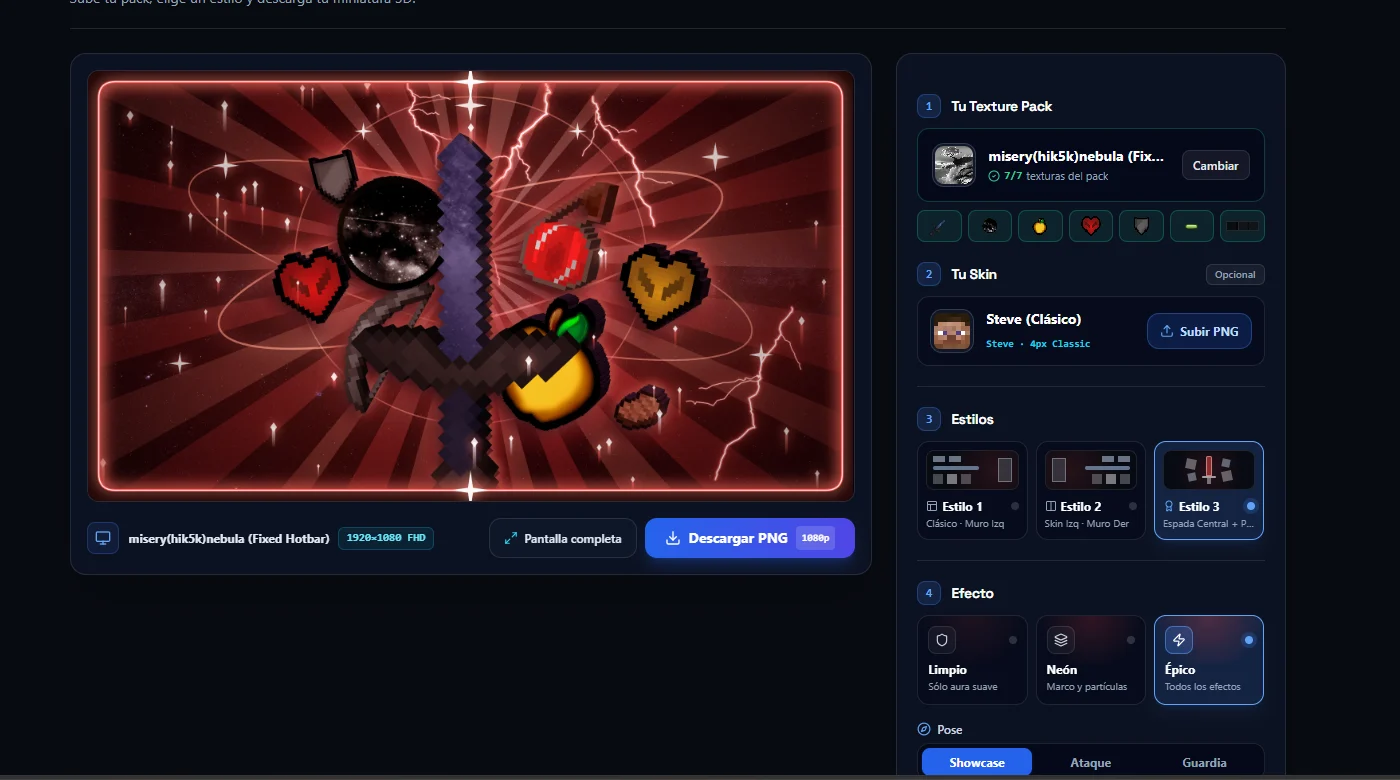
    Thumbnail Generator

    The Thumbnail generator is now available, it has 3 styles and several effects, you may find a bug, if so, report them at ⁠ https://discord.gg/3E4wtqkMhP

    Try it on:
    https://www.mcpack.cc/tools/thumbnail-generator --You need to be registered to use the tools--

    ° Another tool for youtubers will be available soon.

    Captura de descripciónCaptura de descripción
    Captura de descripción
    Oct 25, 2026, 02:34 PM

    Interface Improvements

    Minor changes were made to the interface, you should also notice an improvement when browsing the catalog. Interface improvements will continue to expand to other areas.

    Captura de descripciónCaptura de descripción
    Oct 25, 2026, 02:28 PM

    Bug Fixed 10/16/26

    • Fixed a bug that caused the extension .zip to be added to the end (Android/Ios)