
Textures16xMC 1.21+
Déesse UI Pack

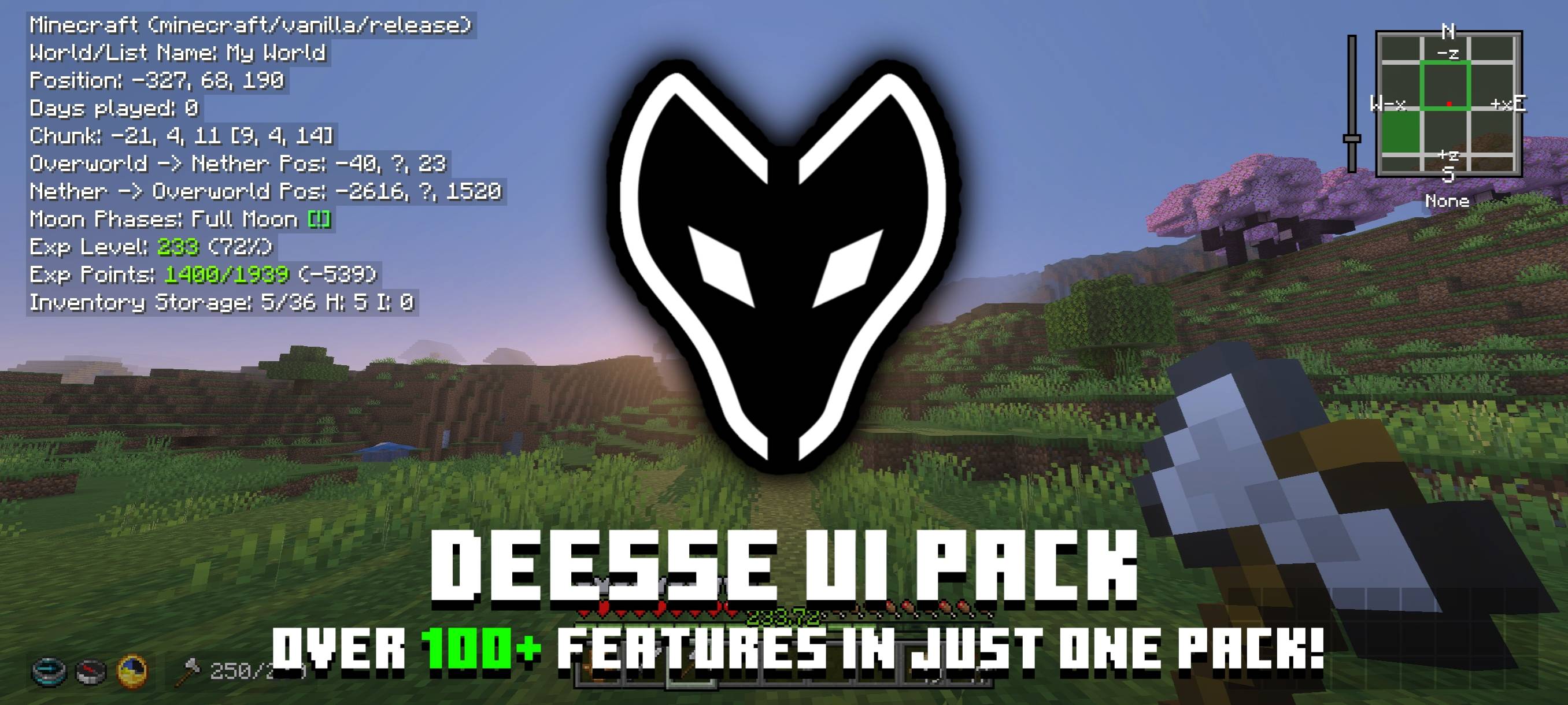
Imagen 1
1 / 1
Pack Description
An UI resource pack that adds new features, tweaks and UI designs to make your Minecraft gameplay better!
Community Comments0
Join the community conversation
Log in to comment and ask questions.
No comments yet
Share your thoughts with the community!
1-Click Direct Download
No ads or annoying link shorteners
10downloads
0 threats detected (100% safe)
How to install Déesse UI Pack in Minecraft Bedrock
- 1. Direct Download
Click the download button to get the .mcpack file directly with zero link shorteners.
- 2. 1-Click Import
Open the downloaded .mcpack file; Minecraft Bedrock will launch and import the pack automatically.
- 3. In-Game Activation
Go to Settings > Global Resources, select the pack under "My Packs", and click Activate.


