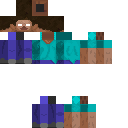
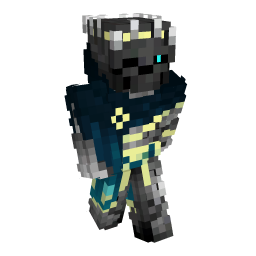
Pack Description
skin de conejo azul
Community Comments0
Join the community conversation
Log in to comment and ask questions.
No comments yet
Share your thoughts with the community!
1-Click Direct Download
No ads or annoying link shorteners
14downloads
0 threats detected (100% safe)
How to install conejo azul in Minecraft Bedrock
- 1. Direct Download
Download the skin in .PNG format or as an installable .mcpack bundle.
- 2. 1-Click Import
If you downloaded .mcpack open it with Minecraft; if .PNG, open the Dressing Room in-game.
- 3. In-Game Activation
In the Dressing Room choose Classic Skins > Choose New Skin and select your texture.
Useful Bedrock tools:Image to 3D Skin