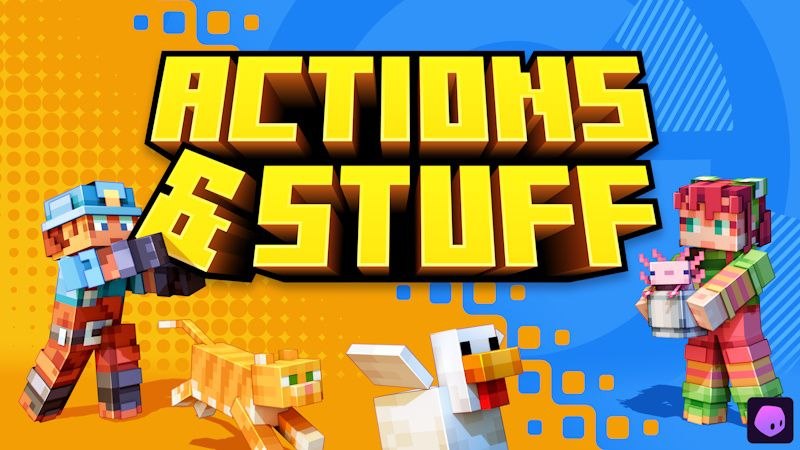
Pack Description
What’s New in Actions & Stuff 1.12
Version 1.12 is made for the latest Bedrock update, the one that brings cushions, and it adds a ton of new visuals, decorations and animations. Here’s what changed.
New 3D Models and Animations
- 3D fishing rod: The fishing rod is now a full 3D model, with a detailed animation when you cast the line and when you reel it back in. Fishing finally feels satisfying.
- Placeable items: You can now place items in the world as decoration, along with a bunch of new 3D props.
Biome Redesigns and New Mob Variants
- Reworked forest: The pale/autumn forest got a redesign and some optimization, so it looks better and runs smoother.
- Biome-themed mobs: New mob variants that match the biome they spawn in, like autumn-themed mobs and brown bears.
- Furniture and Decorations
Biome Redesigns and New Mob Variants
- Sofas, cushions, chairs, lamps and display cases to decorate your houses
- Tents, windmills, water wheels, campfires and wooden wagons for builds and villages
- Wallpaper and plaster options you get by combining wool slabs and concrete
Other New Stuff
- Backrooms decor: Decorations and elements inspired by the Backrooms, if you want to build something creepy.
- New particles and tags, which make everything feel a bit more polished.\
Community Comments6
Join the community conversation
Log in to comment and ask questions.
Te sigo si tu me sigues

Solo me gustaría saber como modificar los ajustes visualización en realms, alguien sabe?
Buenísimo si funciona perfecto, lo puse primero en mi teléfono muy rápido desde el explorador de archivos con un click activé en realms y luego entre con Nintendo switch 2 y funcionó perfecto!


Muy bueno
1-Click Direct Download
No ads or annoying link shorteners
How to install Actions and Stuff 1.12 in Minecraft Bedrock
- 1. Direct Download
Click the download button to get the .mcpack file directly with zero link shorteners.
- 2. 1-Click Import
Open the downloaded .mcpack file; Minecraft Bedrock will launch and import the pack automatically.
- 3. In-Game Activation
Go to Settings > Global Resources, select the pack under "My Packs", and click Activate.